Your Laptop Has No Headphone Jack — What You Need
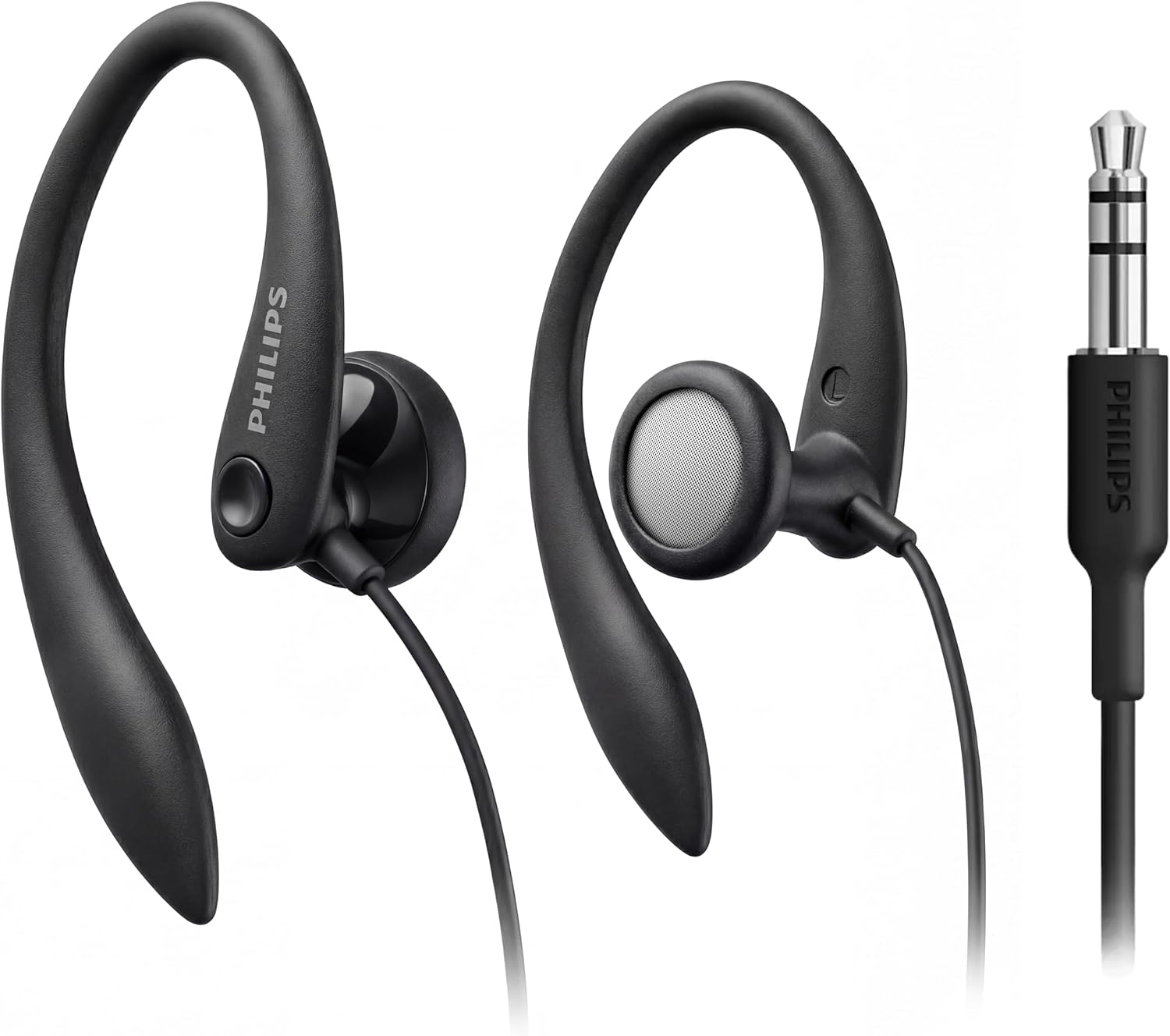
The removal of the 3.5mm jack created an entire category of small adapters that all look the same and are not interchangeable. Buying the wrong one usually produces silence rather than an error message, which makes it hard to diagnose.
Passive adapters need analogue on the port
The cheapest USB-C to 3.5mm adapters are passive. They contain wiring and nothing else, and they rely on the host device to output an analogue audio signal directly on the USB-C port using a mode called audio accessory.
Many phones support that. Many laptops do not, because their designers removed the analogue circuitry entirely when they removed the jack.
A passive adapter on a device with no analogue output produces exactly nothing. The adapter is not faulty; it is the wrong type.
Active adapters contain a DAC
An active adapter contains its own digital-to-analogue converter and headphone amplifier. It receives digital audio over USB and converts it in the dongle, which means it works on any host that supports USB audio — which is effectively all of them.
This is the type to buy if you are unsure, and the type you need for a laptop. It costs a little more and it works everywhere.
A useful tell: active adapters are usually slightly thicker at the connector and their packaging mentions a DAC, a chipset, or a supported sample rate.
Two-pack and the practical case for it
Adapters are small, they live in bags, and they get lost. Buying a pair and keeping one permanently in a laptop bag and one at a desk removes the failure mode where the adapter is at home and the meeting is not.
They also wear. The 3.5mm socket in a dongle sees more mechanical stress than a socket built into a chassis, and it is the part that eventually goes intermittent.
If audio starts cutting out when you move the cable, replace the adapter before you suspect the headphones.
Video: USB to HDMI is a different problem
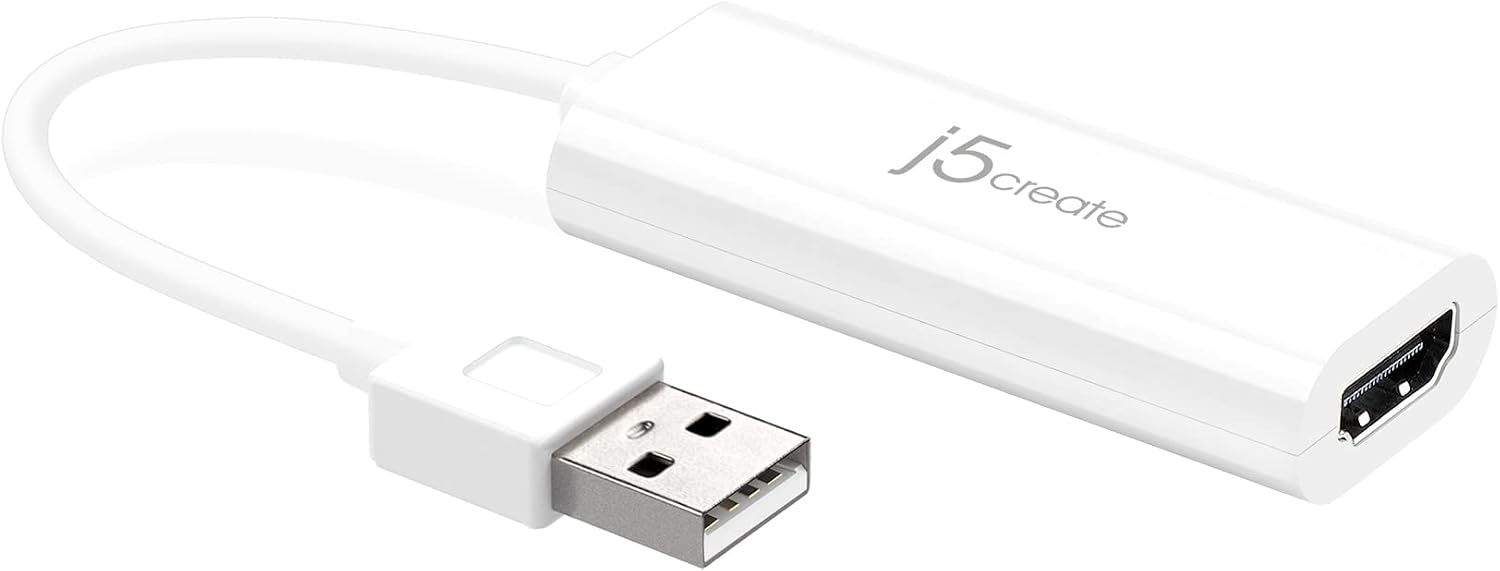
A USB-A to HDMI adapter is not a passive cable. It contains a display controller and requires a driver, because USB-A carries no video signal natively. These devices work well and are the only option on a machine with no video output.
USB-C to HDMI is different again: if the port supports DisplayPort Alt Mode, a simple passive cable carries video directly. If it does not, you need an active adapter of the same kind as the USB-A version.
Check the port. A Thunderbolt or DisplayPort logo beside the USB-C socket means passive will work.
Resolution and refresh limits
An adapter's specification will state a maximum resolution and refresh rate, commonly 1080p at 60Hz for USB-A display adapters. That is the ceiling regardless of what the monitor supports.
Higher resolutions need more bandwidth than USB-A can provide. For 4K, you need USB-C with Alt Mode or Thunderbolt.
Where a listing states a limit, that limit is real. Where it states none, assume 1080p.
Printers and network adapters
A printer that will not join a network is often a printer with no wireless card fitted. Many business printers accept an internal Wi-Fi module, which is a considerably better solution than running a cable across an office.
These modules are model-specific. The Lexmark MarkNet card fits Lexmark hardware and will not work in another manufacturer's device, so check the compatibility list before ordering.
Installation is usually a slot and a firmware setup page rather than a service call.
Antenna baluns and the long tail of connectivity
A balun matches an unbalanced coaxial feed to a balanced antenna, and it is the sort of part that no general retailer stocks and that a shortwave listener needs immediately. A 1:1 balun is the common case for a dipole.
It is a small illustration of a general point: the parts that are hardest to find are rarely expensive, they are just unstocked.
If you need something in this category and cannot see it listed, ask us before assuming.
A short buying rule
For audio on a laptop, buy an active adapter with a DAC. For audio on a phone, either type usually works but active is safer. For video from USB-A, buy an active display adapter and accept 1080p. For video from USB-C, check for Alt Mode first.
When a dongle produces no sound and no error, suspect the type before the hardware.
Bring the laptop in if you would rather we checked the port for you; it takes a minute at the counter.
Where to go next
Adapters, converters and connectivity parts are in Adapters & Converters and Cables & Connectivity.
Shop Adapters & Converters
Related articles